Introduction
Customers now expect a quick, personalised and fun shopping experience when shopping at a store.
Traditional approaches can cause problems including delays when trying to find products, compare and find needed information.
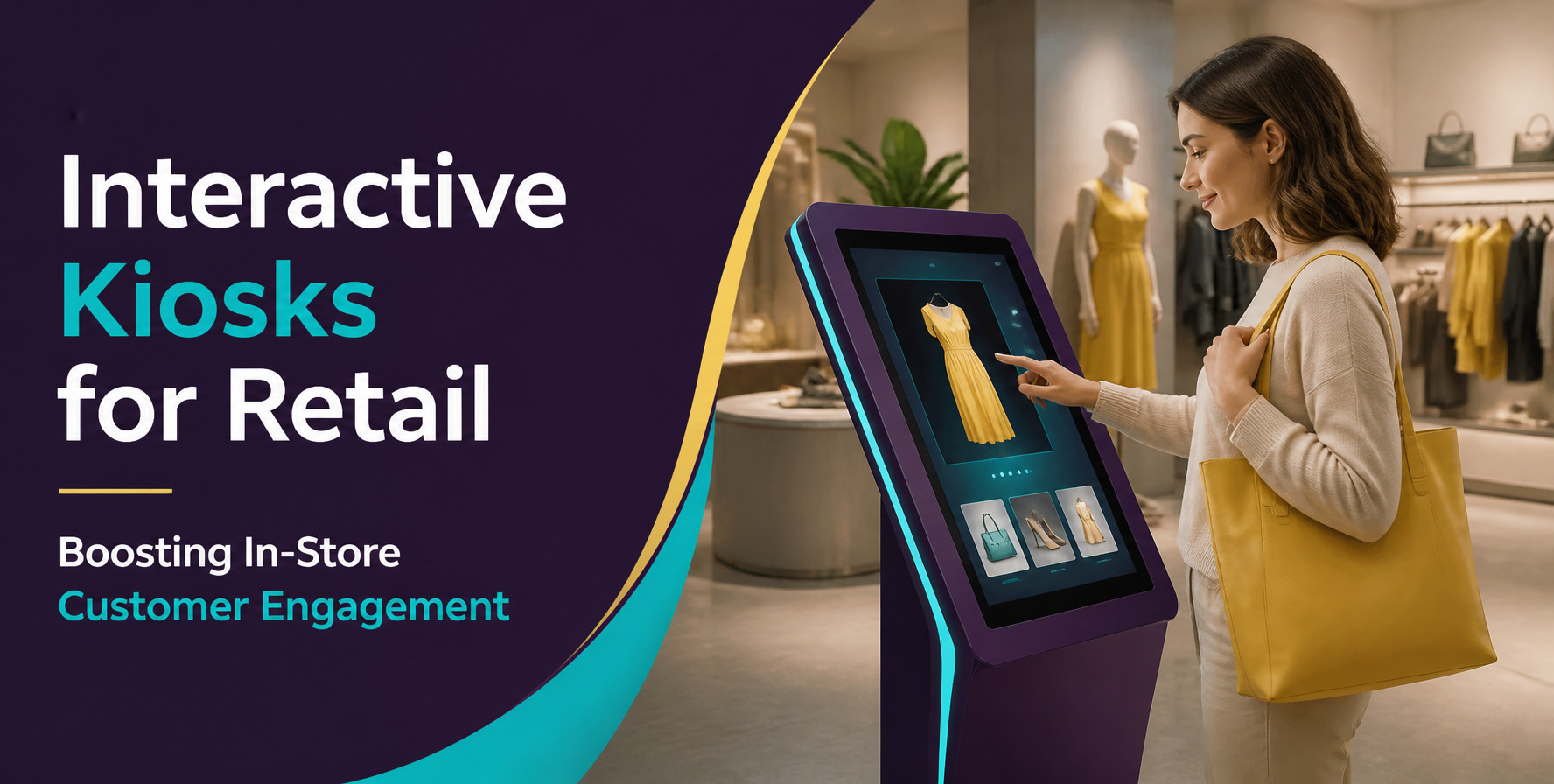
Interactive kiosks in retail have helped provide a smart and touch-screen solution to help shoppers engage with the store.
Shoppers can search for items, see what stock is available, compare prices and get personal recommendations. Retailers can ensure quick service times with little extra work.
To keep up with changing shopping trends, retailers need to move towards smarter technology. Interactive kiosks are a great option to give a digital shopping experience.
We offer bespoke touch screen kiosks to help retailers create exciting shopping experiences.
Quick Answer
Interactive kiosks in retail are a self-service touch screen solution to help customers engage.
They help to improve the shopping experience by:
- Product Search – Customers can search for products.
- More Information – Customers can see more information on product specs, prices and product details.
- Stock Check – Customers can see what stock is available.
- Self Service – Customers can use the interactive screen to complete commonly required tasks.
- Personalised Recommendations – Retailers can provide customers with products that are relevant to their preferences.
- Customer Engagement – Interactive features encourage customers to interact.
- Efficiency – Employees can focus on assisting customers.
Overall they help retailers create a quick and easy shopping experience for their customers.
In Detail
How Interactive Kiosks in Retail Improve the Customer Experience
With retail being an ever-changing industry, customers now expect to find new products to buy. Interactive kiosks bring a digital aspect to your store to help improve your customers’ experience.
Interactive kiosks provide several key improvements to your customer engagement.
1. Quick and easy product search
Many customers spend a lot of time looking for the right product. This can be problematic for your store if you have lots of products.
Interactive kiosks make product searches easy with digital product listings. Customers can search through categories and see available products.
They can search for products based on their preferences. This makes shopping easier and stops customers asking for additional help.
2. More Information on Products
Many customers need additional information to help them decide what to purchase. Product labels and traditional kiosks do not give much information.
Interactive kiosks provide lots of information on products. Customers can search product specs, features, prices and comparisons.
Images and videos can also be included to help customers understand how the product works.
3. Engage with Customers
Traditional static screens can be hard to engage customers. Interactive screens encourage customers to interact.
You can add quiz’s, product demos, promotions and digital product listings to make shopping more interesting.
Engaging customers means they will want to search for more products.
4. Reduce Waiting Times
Waiting in long queues and receiving slow assistance can reduce your customers’ experience. Interactive kiosks help make everyday tasks easier.
Customers can complete certain tasks themselves. Depending on how your kiosks are integrated, customers can search for prices, find products and see what services are available.
Employees can spend more time helping customers with more complex queries. Customers also benefit by having an easy shopping experience.
5. Personalised Experience
Every customer will have different interests, preferences and shopping needs. A personalised experience can make shopping more relevant.
Interactive kiosks can be used to provide personalised recommendations based on their preferences. Products can be highlighted based on what is relevant to them.
Retailers can also integrate loyalty programs and customer accounts to give more opportunities to engage with customers.
6. Help with Cross Sell
Retailers always try to increase their average order value. However, some customers may miss out on relevant products.
Interactive kiosks can help recommend products that can be purchased together. For example, if customers are looking at mobile phones you can recommend the right accessories.
Premium options and bundles can also be highlighted. This helps with selling additional products.
7. Understand your Customers
Knowing your customers can help improve your strategies. However, traditional shopping does not give much information.
Smart kiosks can help you gather useful data. For example, seeing which categories are most popular and products that are commonly searched.
You can also see what customers are interested and engaged with. This can help with product positioning and promotions.
8. Consistent Brand Messaging
Many retailers will have multiple stores. This can make it difficult to ensure consistent promotion messaging.
Interactive kiosks will provide a centralised digital messaging system. You can update your product information, advertising and promotions.
Customers will receive consistent information across your stores. This helps to keep your brand consistent.
Key Features
When choosing the right features you should consider what your business needs.
The following features can help improve your kiosks and provide an easy shopping experience.
| Feature | Business Benefit |
| Touchscreen interface | Simplifies customer interactions |
| Digital product catalogue | Makes product discovery easier |
| Product search | Helps customers locate products quickly |
| Inventory integration | Displays product availability |
| Promotional displays | Highlights offers and campaigns |
| Payment integration | Supports convenient transactions |
| Customer loyalty integration | Improves personalised experiences |
| Analytics dashboard | Provides valuable engagement insights |
| Multilingual support | Serves customers across language preferences |
| Centralised content management | Simplifies updates across multiple stores |
You may not need all of these features. It is important to focus on what will help your customers.
Step-by-step
How to Successfully Introduce Interactive Kiosks in Retail
Planning is an important part to implementing kiosks. Follow this step-by-step guide.
Step 1: Know Your Needs
Start by knowing what your current shopping experience is like. What problems do you face?
Customers may have issues finding products or comparing prices. Employees may spend too much time answering the same questions.
This will help you know what you need with your kiosks.
Step 2: Know the Purpose
Every kiosk should have a purpose. Decide what you want your customers to do.
This could be:
- Improved product searches.
- Digital product listings.
- Product Information.
- Promotions.
- Self service.
- Feedback.
Having a clear goal will help when developing your kiosks.
Step 3: Choose the Right Hardware and Software
Hardware and software will impact how your kiosks work. Choose the right equipment for your store.
Choose the right touch screen size, quality, processing power, durability, and the right software.
Consider how easy it will be to upgrade in the future.
Step 4: Easy to Naviagte
Customers may not want to use complex kiosks. Keep it simple.
Use easy to read text, eye catchy designs and clear buttons. Organise your products in categories.
Ensure it is easy to use for customers with different levels of technical knowledge.
Step 5: Integrate Key Services
Your kiosks should work smoothly with your existing business systems. Depending on your requirements, integrate inventory, CRM, payment, and loyalty systems.
This allows information to flow between different platforms. Consequently, customers receive more accurate and relevant information.
For retailers with unique operational requirements, custom software development offers greater flexibility and functionality. It helps businesses build solutions that match their specific workflows. Learn more about What Is Custom Software Development and Who Actually Needs It? to understand how tailored software supports business operations.
Step 6: Test
Testing will help to find any issues.
Test that your touch screen works, navigation is easy, it loads quickly and integrates well. Also test different customer journeys.
Ensure it handles any unexpected errors.
Step 7: Install and Monitor
Install your kiosks in the right place. This could be at entrances, product areas and service points.
Monitor how your customers are interacting with your kiosks and how they perform. Gather feedback to see how you can improve.
Keep your kiosks updated.
FAQs
Interactive Kiosks in Retial are digital touch screen systems that help customers search for products, find information and self serve.
They help retailers provide an easy shopping experience.
Interactive kiosks help to encourage customers to search for products. They provide digital product listings, product demos, personalised recommendations and promotions.
Customers will have an engaging and easy shopping experience.
Yes, interactive kiosks can help to increase sales. They help with product searches, recommending products that go together and premium alternatives.
They also help customers make informed decisions. However, this will depend on how they are implemented.
Yes, small retailers can also use interactive kiosks. Start with basic features such as product listings and promotions.
You can also add additional features as your needs change.
Yes, your kiosks can integrate with compatible software. This can include stock, CRM, ERP and payments.
This depends on the software.
Key features include a touch screen, product search, product catalogue and promotions.
You can also integrate stock, payment and analytics. This will depend on your business goals.
Work with an experienced kiosk solution provider. We can help you design bespoke hardware and software.
We provide bespoke touch screen kiosks to help your business. Our team can help you create interactive solutions to help your business.
Conclusion
Understanding your customers and improving their shopping experience will help your business succeed. Look into technologies that can help make shopping easier and engaging.
Interactive kiosks in retail help to bridge the gap between digital and physical shopping. They help customers search for products, provide useful information and encourage interaction.
They help retailers be more efficient and understand what your customers like. Choosing the right features and integrations will make your kiosks a great tool for your business.
However, choosing the right technology partner will help to ensure your kiosks are successful. Choose a solution that will fit your processes, customers and future goals.
Want to transform your retail store?
We provide bespoke touch screen kiosks to help modern businesses. We can help your retailers create engaging digital experiences with easy to use and business oriented kiosks.
Visit us at Emaginationz Technologies to see our solutions. Contact us to discuss your interactive kiosk needs.
One thought on “Interactive Kiosks for Retail: Boosting In-Store Customer Engagement”