Introduction
Managing employees becomes challenging as a business grows. The right HRMS Software Features can simplify employee management, reduce manual work, and improve daily HR operations.
However, not every solution offers the same capabilities. Therefore, choosing software without essential features can create more work for your HR team.
The correct HRMS features can make everyday tasks easier and improve the employee experience. Also, automation allows HR professionals to focus more on people rather than doing repetitive tasks.
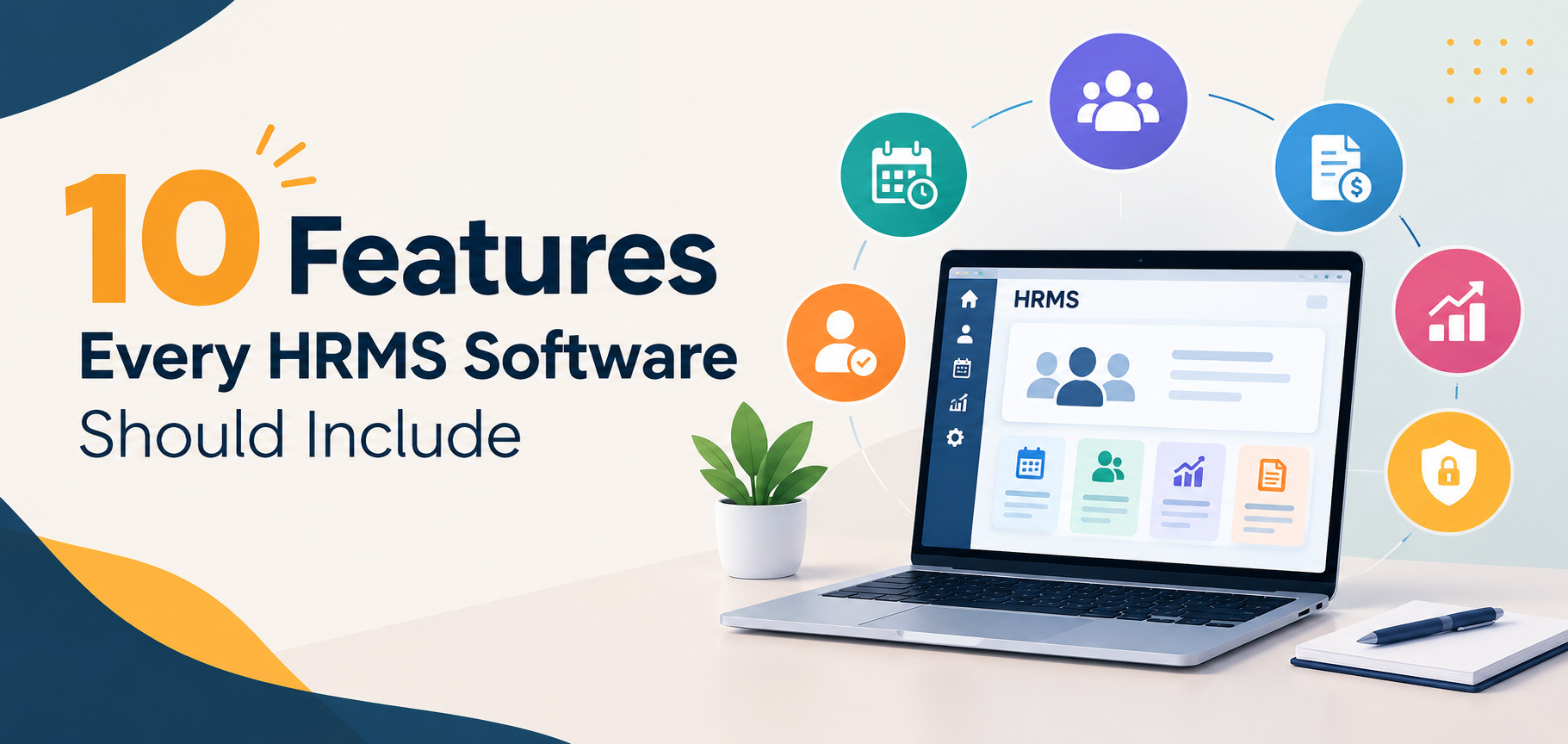
In this blog, we will look at 10 essential features that every HRMS software should have.
Quick Answer Summary
Every modern HRMS should offer features that simplify managing employees and HR tasks.
The most important features include:
Employee information management
Attendance and leave management
Payroll management
Employee self-service
Recruitment and onboarding
Performance management
Document management
Reporting and analytics
Workflow automation
Data security and access control
These features help businesses save time, reduce errors, and boost productivity.
Detailed Explanation
1. Employee Information Management – HRMS Software Features for Employee Data Management
Every HRMS should have a centralized employee database.
This feature stores important employee information in one secure place.
The system should manage:
– Personal information
– Contact details
– Job roles
– Department details
– Employment history
– Salary information
– Important documents
As a result, HR teams can access employee information without searching through multiple files.
A centralized database also reduces duplicate records and manual mistakes.
Plus, it makes it easier to keep employee data up to date.
2. Attendance and Leave Management – HRMS Software Features for Attendance Tracking
Tracking attendance is one of the most important HR tasks.
Manual records often lead to errors and take up time.
A good HRMS should let employees:
– Mark attendance
– Apply for leave
– Check leave balances
– Review attendance records
– Track working hours
Managers should be able to easily approve or reject leave requests.
Additionally, the system can integrate with biometric attendance systems. As a result, businesses can maintain accurate attendance records.
3. Payroll Management – HRMS Software Features for Accurate Payroll Processing
Payroll errors can hurt employee trust and satisfaction.
Therefore, every HRMS should make payroll processing easier.
The system should automatically calculate:
– Salaries
– Bonuses
– Deductions
– Taxes
– Overtime payments
– Leave deductions
Moreover, automated payroll processing reduces manual calculations and improves accuracy.
It also lets HR teams generate payslips quickly.
Integration with payroll compliance systems ensures businesses follow relevant regulations.
4. Employee Self-Service Portal – HRMS Software Features That Empower Employees
An employee self-service portal lets employees manage basic information on their own.
For instance, employees can:
– Update personal details
– Download payslips
– Apply for leave
– Review attendance
– View company policies
– Access important documents
This means HR teams get fewer repetitive requests.
Employees also get faster access to important data.
This makes self-service more convenient and improves their experience.
5. Recruitment and Onboarding Management – HRMS Software Features for Better Hiring
Recruitment involves several steps and documents.
Managing them manually can slow down the hiring process.
An effective HRMS should support:
– Job posting management
– Candidate tracking
– Interview scheduling
– Resume management
– Offer letter generation
– Employee onboarding
Furthermore, automated onboarding helps new employees complete formalities quickly. As a result, businesses can create a smoother experience.
This creates a smoother experience for new team members, making a good first impression.
6. Performance Management – HRMS Software Features for Employee Growth
Performance management helps businesses understand employee progress and development needs.
A modern HRMS should support:
– Goal setting
– Performance reviews
– Manager feedback
– Employee feedback
– Performance tracking
– Appraisal management
Additionally, regular feedback encourages employees to improve their performance. Therefore, managers can identify skill gaps more easily.
Managers can also find skill gaps and training needs.
This helps make better business decisions.
7. Document Management – HRMS Software Features for Secure Document Storage
HR departments handle a wide range of important employee documents.
These may include contracts, certificates, company policies, and identification records.
An HRMS should offer secure storage for these documents and make them easy to access.
The system should also allow approved users to:
– Upload documents
– Download documents
– Organize files
– Track when documents are due to expire
– Control who can view or edit documents
As a result, businesses can reduce paperwork and improve document organization. Furthermore, digital storage supports a more efficient workplace.
Digital document management also contributes to a more efficient workplace.
8. Reporting and Analytics – HRMS Software Features for Better Decision-Making
HR data can offer useful insights into business operations.
However, without proper reports, this information is hard to interpret.
A strong HRMS should create reports for:
– Employee attendance
– Leave trends
– Employee turnover
– Payroll details
– Recruitment data
– Performance evaluations
Additionally, visual dashboards make information easier to understand. Therefore, managers can identify trends and make informed decisions.
Managers can spot trends and make better, informed decisions.
That’s why reporting is a key feature for businesses that are growing.
9. Workflow Automation – HRMS Software Features That Save Time
HR teams handle many repetitive tasks each day.
Workflow automation helps reduce the amount of manual work involved.
For instance, an HRMS can automate:
– Leave approvals
– Attendance reminders
– Payroll alerts
– Document requests
– Onboarding processes
– Performance review reminders
Consequently, HR professionals can spend more time on strategic activities. Moreover, automation reduces delays and improves consistency.
Automation also helps prevent delays and ensures consistency in processes.
Additionally, businesses looking to enhance customer experiences with interactive technology can explore our guide on Which Type of Touchscreen Kiosk Is Best for Your Business?.
10. Data Security and Access Control – HRMS Software Features for Data Protection
HR systems hold sensitive employee data.
That’s why security should always be a top priority.
A reliable HRMS should include:
– Role-based access controls
– Secure login features
– Data encryption
– Backup systems
– Activity tracking
– Access permissions
Only those who are authorized should be able to access confidential information.
Additionally, regular backups can protect important business data. Therefore, strong security also helps build employee trust.
Step-by-Step Process: How to Choose the Right HRMS Software
Step 1: Identify Your HR Requirements
Start by understanding the challenges your HR department is facing. For instance, you might need better tools for handling payroll, tracking attendance, or managing employee records. Before looking at different HRMS options, make a list of the specific features your business needs.
Step 2: Check Essential HRMS Software Features
When reviewing different HRMS platforms, focus on important features that align with your needs. These should include employee management, tracking attendance, managing payroll, generating reports, and ensuring data security. Also, consider features that can support your business as it grows and evolves.
Step 3: Evaluate Customization Options
Each business handles HR tasks differently. Therefore, check if the HRMS can be tailored to fit your specific workflow. Customizable workflows can make the system more useful and efficient for your team.
Step 4: Check User Experience
Using complicated software can make it hard for employees to adopt the system. Choose a platform with a simple and easy-to-navigate interface. Make sure both HR, staff and employees can understand and use the system without much training.
Step 5: Review Security Features
Employee data is sensitive and must be protected. Carefully check the security features offered by the HRMS, such as access controls, data encryption, and backup options. Security should be a top priority and not treated as an after thought.
Step 6: Consider Scalability
As your business grows, your HR needs will change. Choose software that can handle more employees and additional features over time. This helps avoid the need for replacing your system entirely in the future.
Step 7: Request a Demo
Before making a decision, request a demo of the software. This allows you to see how the system works and what features are available. It also helps you spot any potential issues before fully implementing it.
FAQs
1. What are the most important HRMS Software Features?
The essential features to look for in HRMS software include managing employees, handling payroll, tracking attendance, managing leave, generating reports, automating tasks, and ensuring strong data security.
2. Why does a business need HRMS software?
HRMS software helps reduce manual tasks and improves accuracy in HR processes. It also makes it easier for businesses to manage employees and daily HR operations efficiently.
3. Can HRMS software manage payroll?
Yes, most modern HRMS platforms have payroll features that support calculations, deductions, bonuses, payslip generation, and related processes.
4. What is an employee self-service portal?
An employee self-service portal allows employees to access and update their information without needing to contact HR for every request.
5. Is HRMS software suitable for small businesses?
Yes, HRMS software can be beneficial for small businesses as it helps in organizing employee data and automating repetitive HR tasks.
6. Why is data security important in HRMS software?
HRMS platforms store sensitive employee data. Strong security measures protect this data from unauthorized access and potential data loss.
7. Should businesses choose custom HRMS software?
Custom HRMS software can be useful for businesses with unique workflows or specific operational needs, allowing them to tailor the system to their specific requirements.
Conclusion
The right HRMS software can significantly improve how businesses manage employees and HR processes. Features like payroll automation, attendance tracking, employee self-service, and reporting can make operations more efficient. Workflow automation also helps reduce repetitive tasks and save time. Businesses should also prioritize security, scalability, and user-friendliness. A well-designed HRMS should meet current needs while supporting future growth. Ultimately, the best HRMS is not about having the most features, but having the right features that suit your business and employees. By choosing a flexible and efficient solution, businesses can improve their HR processes and provide a better experience for their employees.
One thought on “10 Features Every HRMS Software Should Include”